






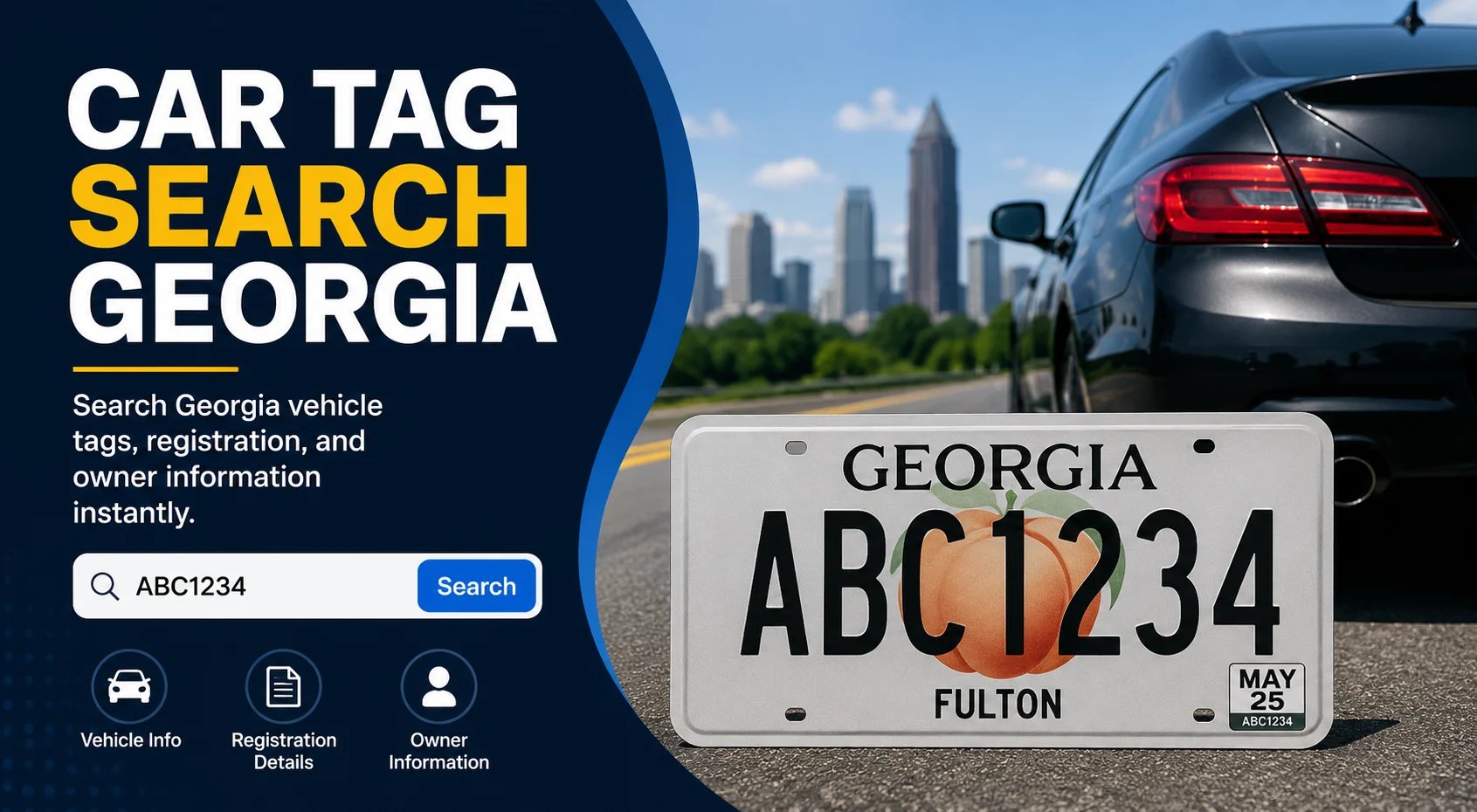
Navigating the bureaucratic maze of vehicle ownership can often feel like an administrative hurdle. Whether you have just purchased a used vehicle in the Peach State, are trying to resolve an unexpected lapse in coverage, or simply want to check if a highly sought-after personalized plate is available, knowing how to perform a car tag search in Georgia is essential.
Unlike states with decentralized systems, the State of Georgia streamlines this entire process electronically. Through official digital channels managed by the state, you can look up vehicle information safely, securely, and within full compliance of privacy laws.
This comprehensive guide breaks down how to perform an official Georgia car tag search, how to check your registration status, the laws governing vehicle history lookups, and how to query the state’s database for custom vanity plates.
How to Perform an Official Georgia Registration Status Lookup
The official administrative authority for all motor vehicle records, titles, and plate distribution in the state is the Georgia Department of Revenue (DOR) Motor Vehicle Division. Rather than standing in long lines at a local county tag office, Georgia drivers can handle the vast majority of search inquiries through an online platform known as Georgia DRIVES e-Services.
To check your specific vehicle status or ensure your annual registration is fully active and recognized by law enforcement, you can leverage the official portal directly.
Step-by-Step Guide to the Online Status Tool
To check your Georgia registration status online, you must clear a quick verification sequence to protect sensitive records. Follow these steps:
- Visit the official Georgia DRIVES e-Services online portal.
- Under the primary “Motor Vehicles” or “Top Online Services” menu, select the link titled Lookup Vehicle Status.
- The secure terminal will prompt you to enter the vehicle’s unique 17-character Vehicle Identification Number (VIN) or the current Georgia state license plate number.
- To verify ownership rights and complete the search query, you will be required to input a matching Georgia Driver’s License number or an official Letter ID issued by the state.
Once submitted, the DRIVES system pulls live data reflecting whether the tag is active, suspended, canceled, or nearing its explicit renewal deadline.
If you are trying to manage vehicle registration records for a large corporate fleet or an organization, ensuring your internal digital infrastructure functions flawlessly is crucial—especially if you need to coordinate administrative systems during a sudden network event or an unexpected it crisis management scenario.
The Difference Between Public Tag Number Lookups and Official DMV Records
A common point of confusion for many drivers is whether a public tag number lookup can reveal the personal identity of another motorist. You might wonder who owns a car that is blocking your driveway, or want to trace a vehicle involved in a minor traffic dispute.
⚠️ The Legal Reality of Privacy Restrictions
Under the strict provisions of the federal Driver’s Privacy Protection Act (DPPA) alongside corresponding Georgia state statutes, personal identifying information is classified as heavily protected data.
This means that a casual, private citizen cannot log into a public database, type in someone else’s license plate number, and view their full name, home address, phone number, or signature. Only law enforcement officials, licensed private investigators, court officers, and certified financial institutions handling asset repossessions have the legal authorization required to cross-reference a license plate to personal citizen profiles.
What Can You Uncover via Third-Party Lookups?
While you cannot pull an individual owner’s private portfolio, you can use alternative third-party automotive data engines to run public vehicle lookups. By inputting a license plate number or a VIN into an approved database, the system can extract non-identifying historical data, including:
- Title Brands: Salvage history, flood damage declarations, or rebuilt titles.
- Odometer History: Serialized mileage logs reported during previous state emissions testing or mechanical repairs.
- Lien Disclosures: Active financial holds or corporate lease ties pinned to the vehicle’s asset profile.
- Accident Records: Historically recorded collisions, structural deployment notes, or insurance total-loss milestones.
How to Find Your License Plate Number and VIN
To successfully execute an online search or complete your annual tag renewal, you must have your vehicle identifiers on hand. If you do not know your current plate number or cannot locate your registration documents, there are several locations you can check.
1. Document Backups
Your structural license plate details and matching registration indicators are permanently stamped onto several foundational documents. Check your files for:
- The original pink certificate of title.
- Your active physical auto insurance card.
- The window-tint receipts or recent vehicle service invoices issued by certified mechanics.
2. Physical VIN Locations on the Car
If you don’t have access to your paperwork, you can find your 17-digit VIN directly on the vehicle. The two most accessible physical locations include:
- The Driver’s Side Dashboard: Look through the bottom edge of the front windshield from the outside of the vehicle. The VIN is stamped onto a metal plate attached to the dashboard.
- The Driver’s Side Door Jamb: Open the driver’s door and look closely at the latch post or the inner door pillar. A safety certification label containing the VIN barcode will be visible.
Keeping tabs on your vehicle’s regulatory status is a foundational part of basic car ownership. Just like knowing how often should you rotate your tires to extend their lifespan and keep your vehicle running smoothly, verifying your state records regularly ensures you avoid costly fines on the road.
Checking Availability for Georgia Vanity Plates
If you want to customize your vehicle with a personalized configuration, the Georgia Department of Revenue offers an integrated lookup system specifically tailored for prestige plates.
Instead of filling out physical paperwork only to find out your chosen combination is already taken, you can pre-screen your ideas online.
Official Prestige Lookup Path:
[Georgia DRIVES e-Services] ➔ [Look up the availability of your Prestige (Vanity) Plate]
Important Georgia Vanity Plate Regulations
When running a combination search through the state availability engine, your requested text must adhere to strict operational guidelines:
- Character Limits: Standard passenger vehicles are generally restricted to a maximum configuration of 7 characters (including spaces or hyphens). Motorcycles are limited to 6 characters.
- Appropriateness Standards: The Georgia MVD cross-references submissions against an automated and manually audited list of restricted terms. Any configuration that explicitly references vulgarity, hate speech, illegal acts, or deliberately mimics law enforcement indicators will be rejected.
- Approval Protocol: Securing a positive result on the availability search tool does not guarantee issuance. The final design configuration must undergo secondary validation when you formally file Form MV-9B at your local County Tag Office.
Frequently Asked Questions (FAQ)
Can I look up the owner of a vehicle by license plate in Georgia?
No. Due to strict federal and state privacy protections under the Driver’s Privacy Protection Act (DPPA), personal identifying details—such as names, phone numbers, and home addresses—are strictly withheld from public view. Only authorized entities like law enforcement and insurance providers can access this data under specific legal conditions.
What do I need to look up my registration status on Georgia DRIVES?
To view your vehicle’s official status online, you will need to provide either your 17-character VIN or your current Georgia license plate number, along with a matching Georgia Driver’s License number or an official state-issued Letter ID.
What is the difference between a VIN search and a plate lookup?
A plate lookup links specifically to the active registration period within a single state. A VIN search tracks the vehicle’s permanent 17-character serial number across its entire lifespan, allowing you to access a comprehensive national history of titles, accidents, and ownership changes regardless of which state the vehicle was registered in.